Content
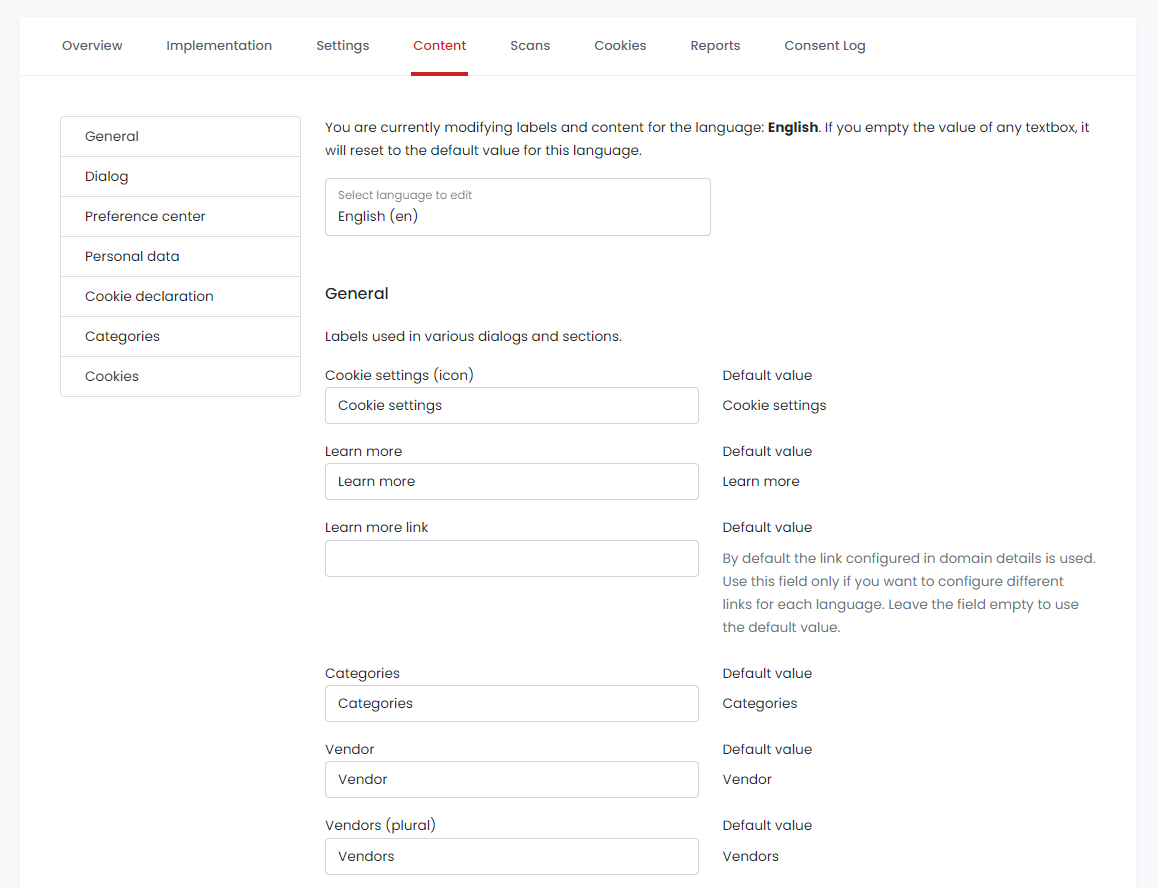
The Content tab allows you to update the content and labels displayed in the CookieHub dialogs. You can select the language at the top of the page (available for paid subscriptions only) and view all the content and labels listed below. The current value is displayed in an editable input box on the left, while the default value is shown on the right for reference.
In addition to the standard content and labels displayed in the dialogs, you can also provide descriptions for all detected cookies and translate them into different languages.
To update the content or label, simply modify the input box for the corresponding field and click the "Save & Publish" button to apply the changes.