Login
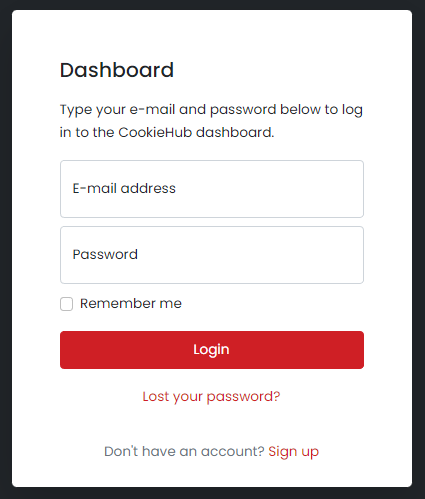
The CookieHub login screen is where you can access your account and manage your website(s). To log in, simply enter your email address and password associated with your account. Once you are logged in, you will be directed to your dashboard where you can manage your settings, domains and more.
Lost password
If you have forgotten your password, you can easily reset it by following the steps below. This will send a password reset link to your email address which you can use to set a new password.
- Go to the CookieHub login page and click on "Lost your password?".
- Enter the email address associated with your account and click on "Reset password".
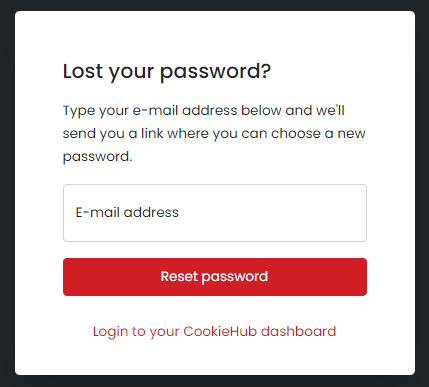
- You will receive an email with a link to reset your password. Click on the link in the email.
- You will be directed to a page where you can set a new password. Enter your new password and confirm it by entering it again.

- Click on the "Reset password" button to save your new password.
Once your password has been updated, you will be redirected to the login page. Use your email address and new password to log in to your account.
Note: If you do not receive the password reset email, please check your spam folder. If it is not in your spam folder, please contact our support team for further assistance.